AbstractVision
Generative images and video behind one Python API: text-to-image, image editing, upscaling, text-to-video and image-to-video. The base install calls OpenAI or any OpenAI-compatible image server; Diffusers, stable-diffusion.cpp and MLX-Gen run models on your own machine through explicit extras. Installed next to AbstractCore, it becomes llm.vision. AbstractVision is the output side; images and video as input (what a model reads) go through AbstractCore’s media input.
# OpenAI-compatible HTTP backend
pip install abstractvision

# Local MLX-Gen models (Apple Silicon)
pip install "abstractvision[models,mlx-gen]"

# Local Diffusers + stable-diffusion.cpp
pip install "abstractvision[local]"One API, the backend you choose
VisionManager is a thin layer over a backend. You keep the same calls when you move from a hosted endpoint to a model on your laptop or GPU server.
Light base install
pip install abstractvision brings the API, the CLI, the capability registry, the AbstractCore plugin and a stdlib-only OpenAI-compatible HTTP backend. Torch, Diffusers and MLX come only with the extras you pick.
Capability registry
A packaged registry says which task each model supports, with its defaults. The CLI, the playground and the AbstractCore plugin use it to shape requests, and abstractvision show-model prints the contract of one model before you run it.
Artifact refs
Give the manager a store and each result comes back as a small JSON ref ({"$artifact": ...}) instead of raw bytes, so it can travel between processes. RuntimeArtifactStoreAdapter writes into an AbstractRuntime artifact store.
apple and gpu profiles, and MLX-Gen with the apple profile. The abstractvision command is on your PATH (~/.local/bin). To upgrade, re-run the same install line (on a Mac without Terminal, double-click Install AbstractFramework.command again), see Upgrade; on an installer install, the console’s update runs the installer.Generated with AbstractVision
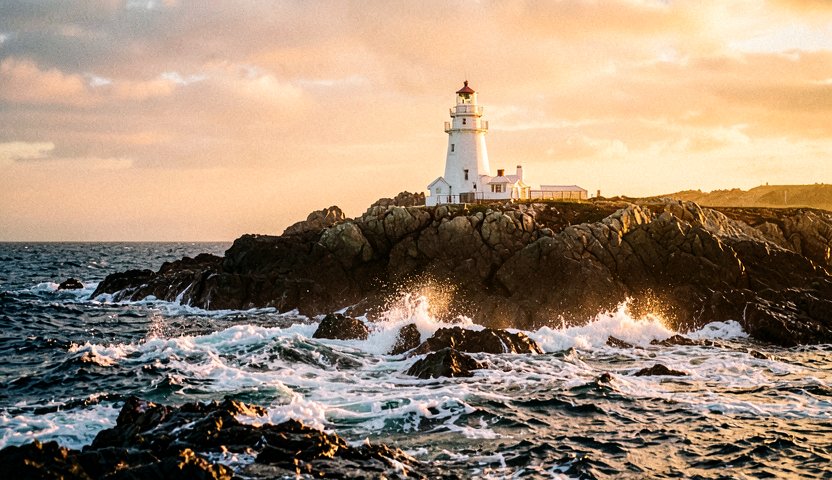
Images and video clips made through the AbstractVision API.
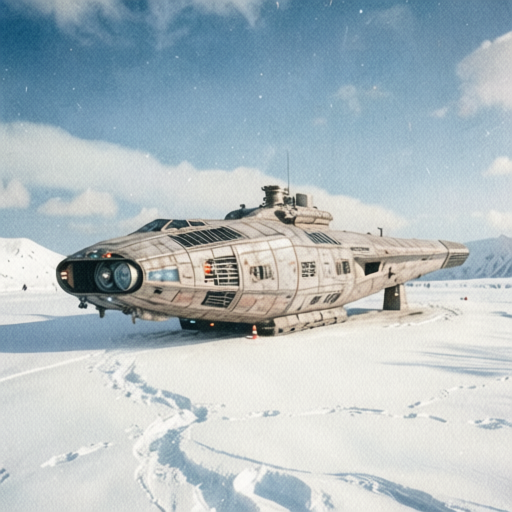
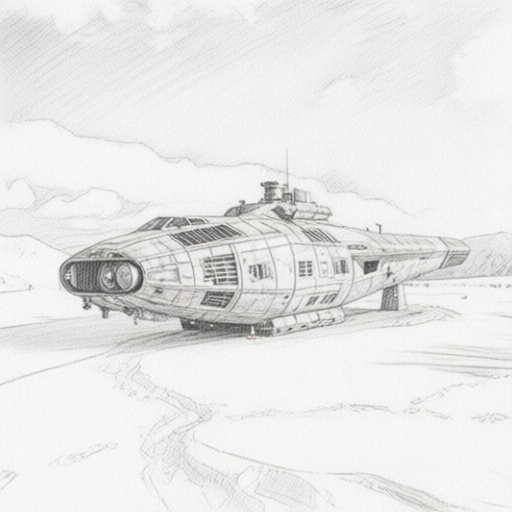
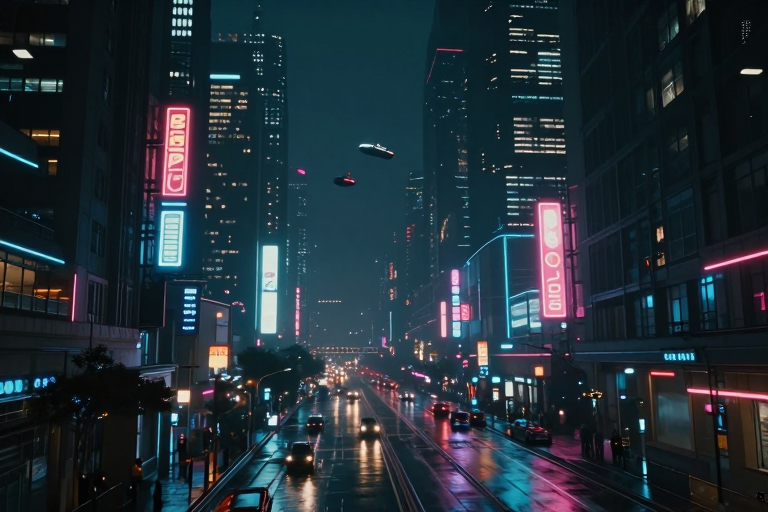

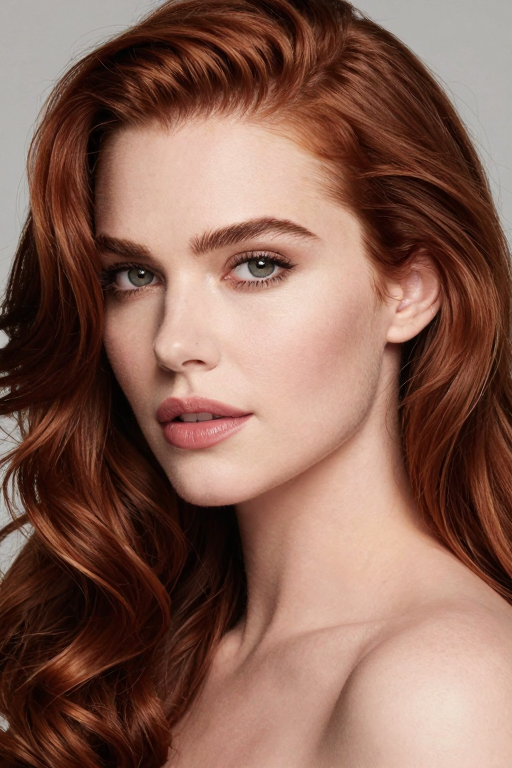

Text to video
Local video generation runs through MLX-Gen, validated on Apple Silicon, until AbstractVision’s Diffusers video path, experimental and disabled in 0.3.31, reaches parity (AbstractVision README); on other systems, use an OpenAI-compatible video endpoint through the remote backend.
Image to video
Four backends, one set of tasks
The tasks are text_to_image, image_to_image, image_upscale, text_to_video and image_to_video. Which ones you get depends on the backend.
| Backend | Install | Tasks | Notes |
|---|---|---|---|
| OpenAI-compatible HTTP (default) | base | Text to image, image to image; video when you configure the endpoints | Works with OpenAI (default model gpt-image-1) or any compatible /v1 server, local or remote. |
| Diffusers | [diffusers] | Text to image, image to image | Hugging Face pipelines on CUDA, Apple MPS or CPU. On Windows/Linux, install a CUDA build of PyTorch first to use an NVIDIA GPU. Local Diffusers text-to-video is experimental and disabled. |
| stable-diffusion.cpp (GGUF) | [sdcpp] or automatic | Text to image, image to image | Installs sd-cli on first use (or uses the Python bindings). Curated FLUX and Qwen GGUF bundles find their VAE and text encoder automatically. |
| MLX-Gen | [mlx-gen] | All five | Validated on Apple Silicon first; the extra also installs on Linux where upstream mlx-gen / mlx support exists. |
Platform profiles: [apple] / [all-apple] (Diffusers on MPS, stable-diffusion.cpp, MLX-Gen) and [gpu] / [all-gpu] (Diffusers, stable-diffusion.cpp in all-gpu, and MLX-Gen when the platform markers match). multi_view_image is in the API, but no backend implements it yet.
Local images and video on Apple Silicon
MLX-Gen is a local image and video generation runtime for Apple Silicon and MLX, started as a fork of mflux. AbstractVision 0.3.31 uses mlx-gen 0.38.x. Prepared q4 and q8 models are published in the AbstractFramework/mlx-gen collection on Hugging Face.
Text to image
FLUX.2 (klein and base), Qwen Image, Z-Image, ERNIE Image Turbo, FIBO and the Bonsai ternary model. Pick q4 for memory, q8 for quality, by choosing the exact model id.
Image to image
FLUX.2 klein/base, Qwen Image Edit, ERNIE Image Turbo, FIBO and FIBO Edit, with multi-reference edits on FLUX.2 and Qwen Image Edit, masked edits on Qwen 2511 and structured control on base Qwen Image.
Video
Wan 2.2 TI2V-5B, plus the Wan 2.2 A14B text-to-video and first-frame image-to-video packages. Run TI2V-5B at 832×480 or above; A14B sizes must be multiples of 16.
Upscaling
SeedVR2 3B and 7B single-image upscaling (abstractvision upscale). Start with seedvr2-3b-8bit, move to 7B when memory allows.
LoRA
One lora_adapters request shape across images and video; each route reports whether it supports LoRA.
More in mlxgen
The standalone mlxgen command adds video-to-video, Wan2.1-VACE, MiniMax-H3 video with sound, Bernini-R and SwiftVR restoration. See the MLX-Gen documentation.
Starting points for Diffusers
Practical picks from the repository's VRAM guide. Needs vary with resolution, dtype and pipeline; some models are gated on Hugging Face and need HF_TOKEN.
| GPU memory | Model | Why |
|---|---|---|
| ≤ 16 GB | runwayml/stable-diffusion-v1-5 | Small, stable, widely compatible |
| 24–32 GB | black-forest-labs/FLUX.2-klein-4B | Not gated (needs Diffusers from source) |
| 32 GB | stabilityai/stable-diffusion-3.5-large-turbo | High quality at low step counts (gated) |
| 64 GB | Qwen/Qwen-Image-2512 | Strong prompt following and text rendering |
| 128 GB | black-forest-labs/FLUX.2-dev | Very high quality; non-commercial license, gated |
On Apple Silicon, AbstractFramework/flux.2-klein-4b-4bit through MLX-Gen is usually the most practical first model.
First image, first clip
Requires Python 3.9 or later (MLX-Gen: 3.10 or later). Downloads are explicit: generation reads from the Hugging Face cache unless you enable runtime downloads.
Command line (MLX-Gen)
# Already on PATH with the AbstractFramework installer (apple profile); otherwise:
pip install "abstractvision[models,mlx-gen]"
abstractvision catalog --provider mlx-gen
abstractvision download AbstractFramework/flux.2-klein-4b-4bit --provider mlx-gen

# Text to image
abstractvision t2i --provider mlx-gen --model AbstractFramework/flux.2-klein-4b-4bit \
  "a product photo of a matte black espresso machine" --steps 4 --guidance-scale 1.0

# Upscale 2x with SeedVR2
abstractvision download AbstractFramework/seedvr2-3b-8bit --provider mlx-gen
abstractvision upscale --provider mlx-gen --model AbstractFramework/seedvr2-3b-8bit \
  --image ./input.png --resolution 2x --softness 0.25 --open

# Text to video with Wan 2.2 A14B
abstractvision download AbstractFramework/wan2.2-t2v-a14b-diffusers-8bit --provider mlx-gen
abstractvision t2v --provider mlx-gen --model AbstractFramework/wan2.2-t2v-a14b-diffusers-8bit \
  "a red fox walking through a snowy forest, cinematic" --width 480 --height 240 \
  --frames 41 --fps 10 --steps 20 --guidance-scale 4.0 --guidance-2 3.0

# Interactive CLI and the local web playground
abstractvision cli
abstractvision playground --port 8091Against any OpenAI-compatible image server, VisionManager takes an OpenAICompatibleVisionBackend built from OpenAICompatibleBackendConfig, and can keep results in a LocalAssetStore.
For local models on Apple Silicon, VisionManager takes an MLXGenVisionBackend with an MLXGenBackendConfig(model=...); it offers generate_image, edit_image and image_to_video. The next tab shows the verified MLX-Gen call through AbstractCore.
from abstractcore import create_llm

llm = create_llm("mlx", model="mlx-community/Qwen3.5-4B-4bit")

image = llm.generate(
    "A watercolor illustration of a lighthouse on a rocky coast at dawn, soft light, calm sea",
    output={"modality": "image", "provider": "mlx-gen",
            "model": "AbstractFramework/flux.2-klein-4b-8bit", "width": 1024, "height": 1024},
)
open("lighthouse.png", "wb").write(image.outputs["image"][0].data)